Canary Instance Setup for Safe OpenClaw Upgrades
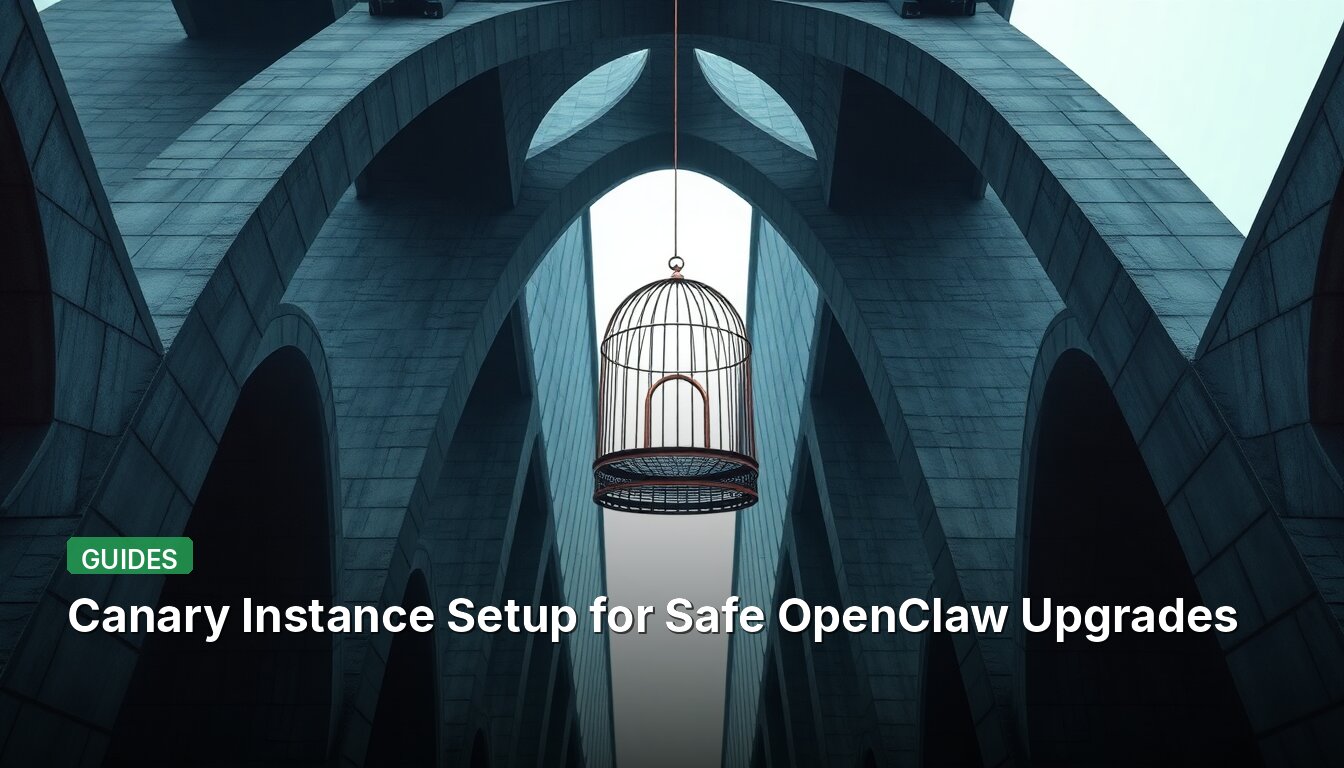
A Reddit user in r/openclaw posted a structured approach to setting up a canary instance for testing OpenClaw upgrades before touching production. The goal is to catch breakages early and produce a clear upgrade plan. Below are the key requirements and workflow extracted from the post.
Canary Architecture Requirements
- Separate state/config root:
~/.openclaw-canary - Separate install root or package path
- Separate workspace:
~/.openclaw-canary/workspace - Canary gateway on a different port than production
- No connection to real user-facing channels; use a dedicated test channel or separate bot/token
- Disable high-risk channels (WhatsApp, iMessage, email) by default
Smoke Test Matrix
openclaw statusor equivalent health check- Gateway starts successfully on canary port
- Agent responds to a basic prompt
- Tool execution works
- File read/write in canary workspace
- Cron/scheduled execution works, if configured
- Sub-agent/delegation works, if configured
- Config does not mutate unexpectedly
- Logs show no repeated runtime errors
Upgrade Workflow
Read-only preflight: capture production version, canary version (if exists), inspect release notes, verify isolation, run baseline smoke test.
Canary upgrade approval gate: show exact commands, explain rollback path.
Report Format
# OpenClaw Canary Upgrade Report ## Summary - Recommendation: `promote` / `hold` / `needs-fixes` - Target version: - Current production version: - Canary result:Isolation Check
- Separate config root:
- Separate workspace:
- Separate gateway port:
- Live channels disabled or test-only:
Smoke Tests
| Test | Result | Evidence |
Issues Found
| Issue | Severity | Fix | Production Impact |
Fixes Applied in Canary
Production Upgrade Plan
Step-by-step commands – do not run yet.
Rollback Plan
How to restore
For full details and the original request prompt, see the source below.
📖 Read the full source: r/openclaw
👀 See Also
Export ChatGPT history to OpenClaw memory system
A Reddit user shares a process to export years of ChatGPT conversation history and import it into OpenClaw's memory system using the ai-chat-md-export tool, enabling local AI agents to access historical context.
CLAUDE.md Files Are Often Organized for Developers, Not AI Models – Here's Why That Matters
CLAUDE.md files commonly place Hard Rules at line 47, after background and tech stack. By the time the model reads constraints, it has already constructed conflicting assumptions. A better structure puts hard rules first.
Craft Coding: Let AI Review, Not Write, Your Code
Peter Bloem argues that vibe-coding is a dead end. Instead, have AI review your code while you do the writing. This keeps skills sharp and avoids the trap of unchecked AI output.
Anthropic releases free official learning platform for Claude AI
Anthropic has launched a free learning platform with structured courses covering Claude basics, API integration, agent skills, and specialized tracks for different user groups.