Claude Agent Teams UI: Desktop App for Visualizing Claude Code Agent Workflows
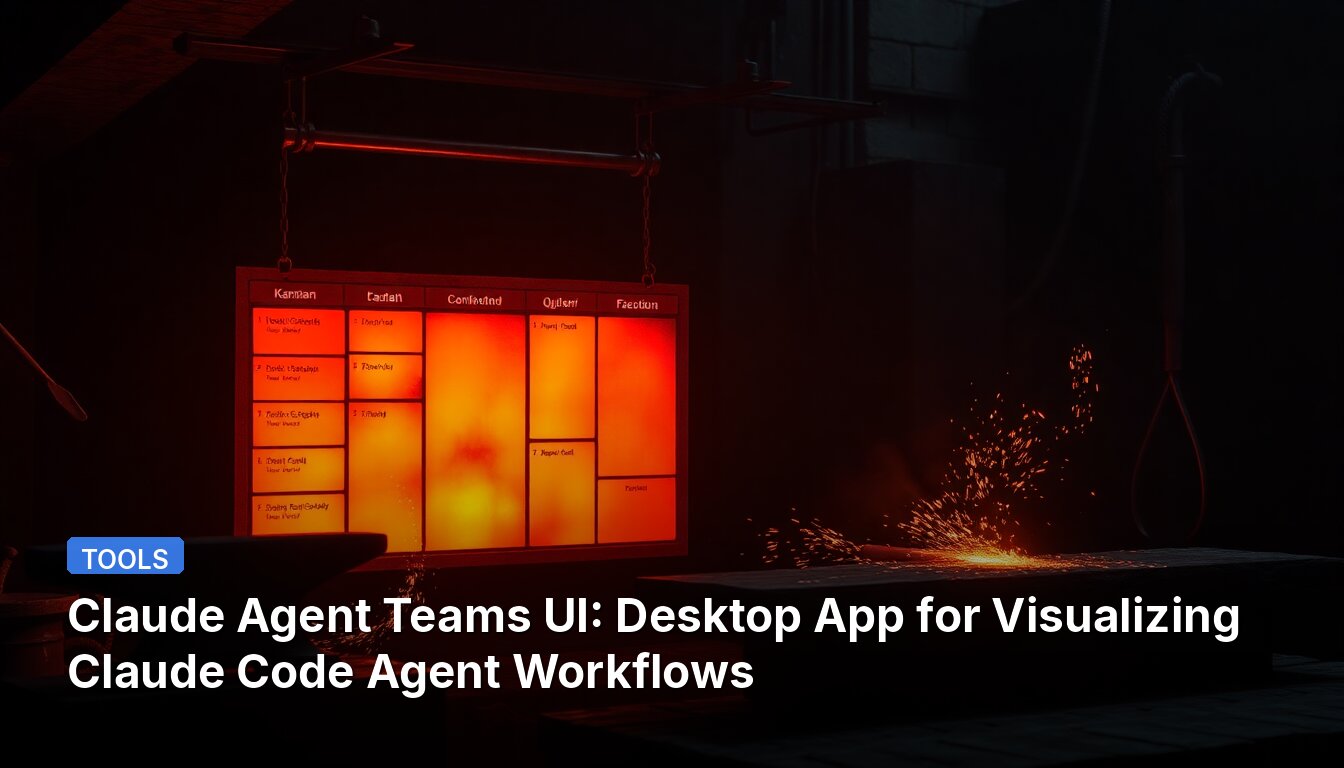
A developer has created a desktop application that provides a visual interface for Claude Code's experimental Agent Teams feature. The app is free, open-source, runs locally, and doesn't require API keys.
What It Does
Claude Code recently added Agent Teams, where multiple agents work in parallel coordinated by a lead agent. However, this happens in the terminal, making it difficult to monitor parallel work. This desktop app adds a visual layer on top of the CLI functionality.
Key Features
- Real-time kanban board – Tasks move across columns automatically as agents work. You can see all projects and teams in one place.
- Cross-team communication – Agents from different teams can message each other, which doesn't exist in the CLI itself. This makes multi-team workflows practical.
- Built-in review workflow – Agents automatically review each other's tasks. You see the full review conversation and results.
- Solo mode – Run a single agent with the same visual interface. It auto-creates and tracks its own tasks on the board.
- Per-task code review – Accept/reject individual code hunks, similar to Cursor's review flow. Leave comments and request changes, and agents pick up your feedback.
- Convenient task execution logs – See exactly which tools an agent used for each task in a clean visual timeline, showing only what's relevant to that specific task.
- Context monitoring – A six-category breakdown of what consumes tokens at every step.
- Zero setup – The app installs and configures Claude Code for you. Includes built-in UI for installing MCP servers, plugins, and skills.
- Session viewer – Browse and analyze any Claude Code session history across projects in the "Sessions" tab.
Comparison with Other Tools
The source includes a detailed feature comparison showing how this app differs from alternatives:
- Cross-team communication: Available here, not in Vibe Kanban, Aperant, or Claude Code CLI
- Agent-to-agent messaging: Native mailbox implementation vs isolated approaches in other tools
- Full autonomy: End-to-end autonomy vs human-managed workflows in some alternatives
- Hunk-level code review: Available here and in Cursor, but not in Vibe Kanban, Aperant, or Claude Code CLI
- Session analysis: Available here, not in Vibe Kanban or Cursor
- Zero setup: Available here and in Cursor
- Price: Free vs paid tiers for some alternatives
This type of visualization tool is useful for developers who want to monitor and manage AI agent workflows without constantly checking terminal output.
📖 Read the full source: r/ClaudeAI
👀 See Also
Open Source SQLite-Based Persistent Memory System for Claude
A developer has released memchat, a GPL-licensed local system that extracts knowledge from Claude sessions at checkpoints, stores it in SQLite, and reassembles it for new sessions to maintain context across conversations.

Bifrost LLM Gateway: 11 Microsecond Overhead, Single Binary in Go
Bifrost is an open-source LLM proxy written in Go that routes requests to OpenAI, Anthropic, Azure, and Bedrock with 11 microsecond overhead per request, handling 5,000 RPS on a $20/month VPS.
How Clawdbot Coordinates 6 AI Agents with a Production-Stable Work Queue
Clawdbot's team built a work queue system to coordinate 6 AI agents (design, code, marketing, ops) for their AI-operated store. The system features atomic task claiming, a state machine, retry logic with backoff, task chains, heartbeat tracking, and a daemon orchestrator.
Open Brain: Open-source MCP server adds persistent memory with auto-graph and semantic search to Claude
Open Brain is an open-source MCP server that gives Claude persistent memory across sessions with automatic entity extraction, semantic deduplication, and auto-graphing of connections between thoughts. It uses Supabase with pgvector and Deno Edge Functions, is self-hostable, and includes 16 MCP tools for graph traversal, entity browsing, and weekly review synthesis.